Executive Summary & Quick Verdict
Overall Winner: Plasma One for integrated non-custodial stablecoin spending, optional Earn and no per-purchase payment fee.
Choose Plasma One if: You want in-app bank transfers, a Standard membership with no XPL lock and optional variable yield.
Choose Oobit if: Paying directly from a supported wallet matters more than membership benefits. Oobit describes wallet-connected spending through DePay.
The Bottom Line: Both offer non-custodial spending options. Oobit excels at wallet-connected spending but charges per purchase; Plasma offers broader money management, with costs for premium benefits and risks in Earn.
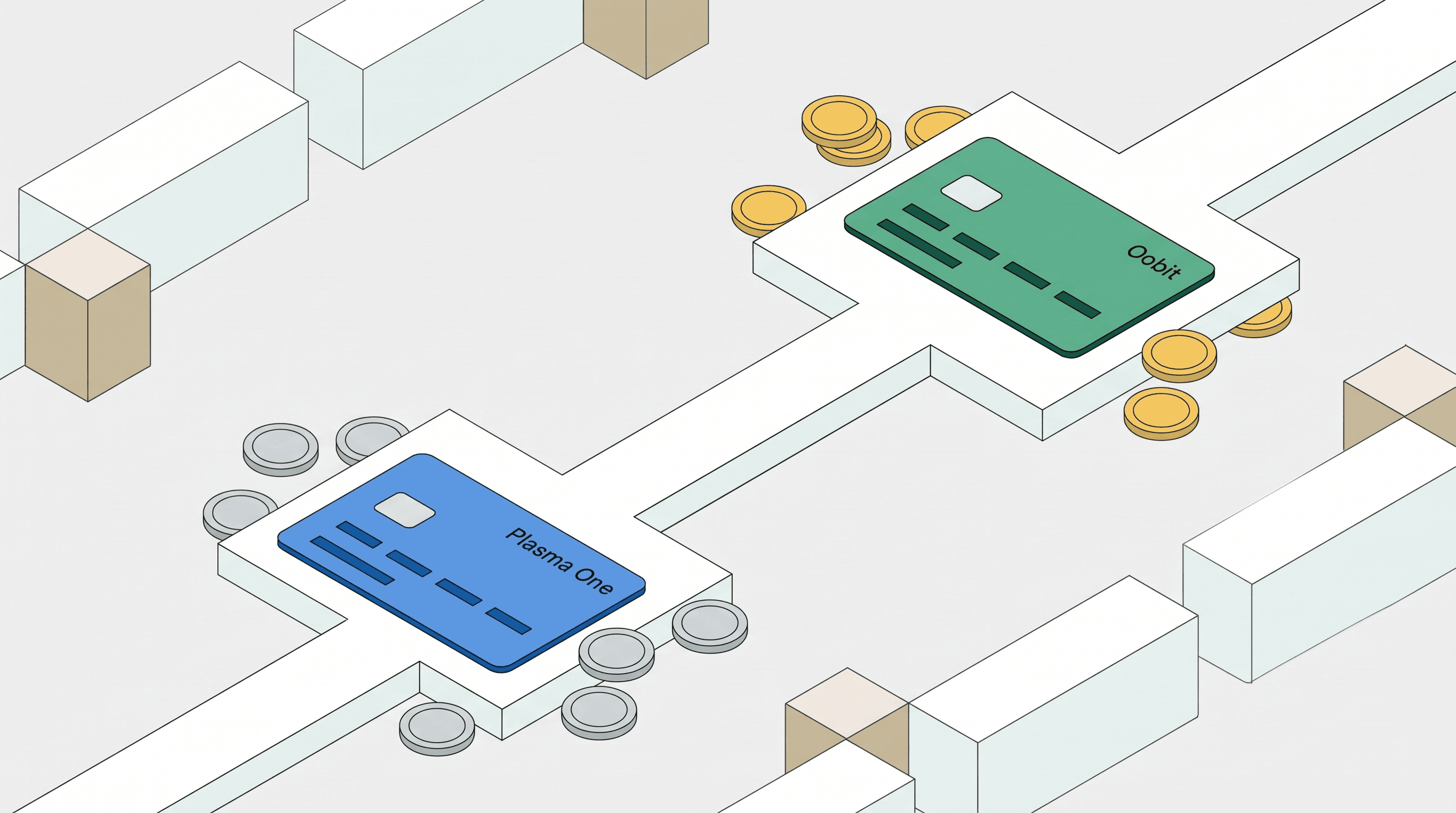
Plasma One vs Oobit at a Glance
Feature | Plasma One | Oobit |
Card Network | Visa; virtual card on Standard, physical cards on paid tiers | Visa virtual card; Apple Pay and Google Wallet where supported |
Custody Model | Non-custodial stablecoins backing the card; Visa issuer and account partners handle payments | Non-custodial via connected external wallets (DePay); Oobit-held in-app balances are custodial |
Yield / Return on Balance | Variable, not guaranteed, via opt-in Earn | No standard yield on idle card balances publicly disclosed; separate spending rewards |
FX / Conversion Fees | Standard: 1% Plasma markup plus Visa FX fee (~1%); Premium: 0% FX on the first $3,000/month of card spend (Visa fee included), then 1.5%; Platinum: 0% FX fee, Visa exchange rate applies | 1% per card payment (usually $0.25 minimum); non-USD conversion may add up to 1.5% |
Crypto-to-Fiat Spread | No single public card-spread figure; in-app bank on/off-ramp and partner fees may apply | Conversion rate shown on the receipt; swaps 0.95% (3% into OOB) per Oobit’s fee page, quoted before you confirm |
Staking / Lock-In Required | Standard: no XPL lock, regional pricing; Premium $600/yr or 20,000 XPL locked for 12 months; Platinum $2,500/yr or 100,000 XPL locked for 12 months | No lock for standard card; 10% promotional cashback requires spending OOB |
Annual / Monthly Fees | Standard: price depends on region, shown in app; Premium $600/year or 20,000 XPL lock; Platinum $2,500/year or 100,000 XPL lock | $0 card issuance and $0 recurring card fee; transaction fees apply |
Regional Availability | Most countries; 7 unsupported and ID-document restrictions in others. 31 US states | Oobit lists 80+ supported countries/territories; US supported, with local feature restrictions |
Fees, rates and limits as of November 2026. Terms vary by region and may change.
Plasma One vs Oobit: Key Differences
1. Yield & Capital Efficiency
Earn is optional, not a return on every card balance. Plasma One describes yield accruing after funds are deposited into its Earn vault.
Yield comes from decentralized finance (DeFi) lending protocols; those funds lack deposit insurance, are not guaranteed, and may lose value.
Oobit has no publicly disclosed yield product on idle card balances. It funds card spending from an Oobit account balance or from a supported external wallet.
Plasma One’s XPL lock is different from an Earn deposit: it provides access to Premium or Platinum benefits for a year when tokens are locked for 12 months.
2. Fees & FX Costs
Oobit lists a 1% card-payment fee, with a $0.25 minimum in most countries. Its card is denominated in US dollars (USD), and non-USD payments may incur a 1.5% conversion fee.
Plasma One lists a 1% foreign-exchange (FX) markup plus Visa’s FX fee (about 1%) on Standard, 0% on Premium for the first $3,000 a month (Visa fee included) followed by 1.5%, and 0% on Platinum.
Plasma One has no per-purchase card fee, but funding has costs: Plasma charges 0.15% to 0.75% on crypto deposits depending on the asset, plus any network, bridge or swap fees, and bank transfers carry tiered fees. Oobit lists crypto deposits as free and bank-transfer deposits at about 0.65%.
3. Custody & Control
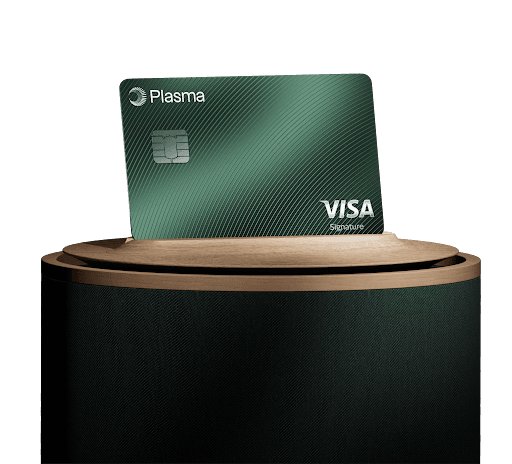
Plasma One users’ assets sit in a wallet the user controls, and Plasma says it cannot recover them without permission. That control does not ensure uninterrupted card access: Plasma’s terms allow it to suspend card services during a pending investigation or compliance review.
Oobit’s terms say assets held in an Oobit account are custodial assets held by Oobit for the user’s benefit, with title remaining with the user. Payments from a connected external wallet stay under the user’s control until the payment is approved.
4. Rewards, Cashback & Tiers
Plasma One lists Premium at $600 a year and Platinum at $2,500; Standard pricing depends on region and is shown in the app. As an alternative to the cash fee for a year of benefits, Plasma lists 12-month XPL locks of 20,000 XPL for Premium or 100,000 XPL for Platinum.
Standard, Premium and Platinum earn up to 1%, 2% and 3% cashback, with rates stepping down across monthly spend bands. Base cashback is currently paid in XPL. Plasma warns that XPL rewards can fall in value, including to zero.
Oobit offers 5% rewards on eligible USD₮ or USDC payments, capped at $200 of spending. Payments made with OOB can earn 10%, although Oobit’s official pages disagree on the applicable spending cap.
Rewards can only be used for in-app Tap to Pay payments and cannot be withdrawn or transferred. For either card, headline rewards alone do not settle the value after applicable fees and tier costs.
5. Connected-Wallet Spending and Access
Oobit’s connected-wallet route lets supported wallet holders pay directly from their wallet online or in stores where Visa is accepted. Oobit also describes spending assets held in its account through its Visa card with Apple Pay or Google Wallet.
Card acceptance is different from issuance eligibility. Oobit’s card terms exclude residents of listed countries, including India and Turkey, from card issuance.
Location therefore matters alongside costs and wallet preferences when weighing each card’s strengths and limitations.
Pros & Cons of Each
Plasma One
Pros:
Non-custodial stablecoins integrated with card spending and bank transfers.
Standard membership with eligible XPL cashback and no XPL lock; pricing depends on region.
Optional variable Earn and lower FX costs at qualifying upgraded tiers.
Cons:
Earn involves DeFi risk and requires moving funds back to Cash before spending.
Cashback declines after opening spend bands; XPL rewards fluctuate in value.
Premium and Platinum involve substantial annual fees or 12-month XPL commitments.
Oobit
Pros:
Spend from eligible external non-custodial wallets without preloading the card.
Free virtual card, broad supported-asset range and up to $10,000 daily spending.
Strong promotional cashback on limited qualifying USD₮, USDC or OOB spending.
Cons:
1% purchase fee, a usual $0.25 minimum and potential 1.5% non-USD conversion.
Rewards are spending-restricted and capped; the higher rate requires OOB exposure.
No comparable card-balance Earn, and services vary across supported countries.
Why Choose Plasma One Over Oobit?
For stablecoin holders, Plasma One integrates control, spending, bank transfers and optional Earn. Oobit offers wallet-connected crypto flexibility but charges on every purchase.
On Standard, USD shoppers avoid Oobit's 1% payment charge while earning eligible cashback. Premium offers 0% FX on $3,000 of monthly foreign spending, but its $600 fee must be justified. Platinum's unlimited 0% FX costs substantially more.
Optional Earn adds flexibility, but invested funds are neither instantly spendable nor risk-free.
Final Verdict & How to Upgrade
Plasma One is the overall winner for stablecoin-first users seeking non-custodial Visa spending, bank funding and optional Earn without an Oobit-style per-purchase fee.
Choose Oobit for existing non-custodial wallets, broader crypto spending and capped promotions; account for fees and non-withdrawable rewards.
Choose Plasma One for integrated stablecoins and optional risk-bearing Earn. Start on Standard; upgrade only if FX savings and benefits justify the fees or XPL lock.
How to Get Started With Plasma One
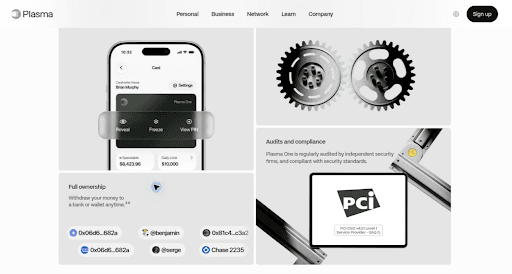
Apply for Your Card: Download Plasma One, confirm your residence and identity documents are eligible, complete verification and activate the Standard virtual Visa card.
Deposit Stablecoins: Fund the non-custodial Cash balance through a supported wallet or bank route. Move only funds you deliberately choose into optional Earn.
Start Spending: Add the card to Apple Pay or Google Pay where supported, check the transaction quote and limits, and pay where Visa is accepted.