Executive Summary & Quick Verdict
Winner: Bitget Wallet Card. For eligible users, its low fees and Assetback rewards offer stronger everyday value, although it requires a card top-up.
Choose Oobit if: You want direct spending from a connected wallet, a no-fee virtual Visa card (1% per purchase), or broader country availability.
Choose Bitget Wallet Card if: You want low-cost USD purchases and a choice of digital-asset rewards.
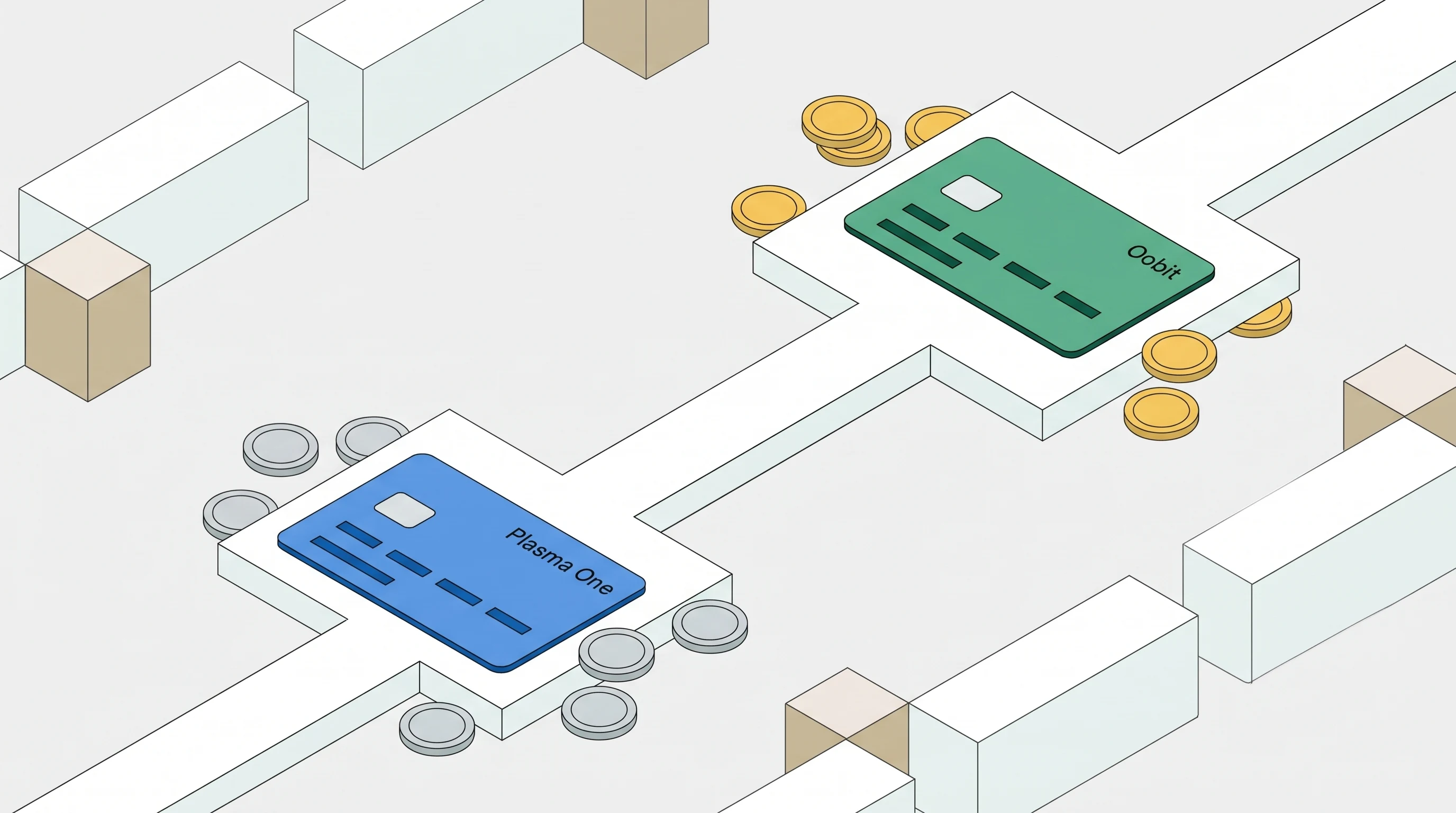
The Bottom Line: Bitget offers more flexible rewards and lower USD spending costs; Oobit favors direct wallet payments. Plasma One offers a non-custodial stablecoin account, tiered cashback and optional Earn.
Oobit vs Bitget Wallet Card at a Glance
Feature | Oobit | Bitget Wallet Card |
Card Network | Visa virtual card; Apple Pay and Google Wallet supported where eligible | Visa or Mastercard, depending on issuing region |
Custody Model | Non-custodial when using DePay with an external wallet; in-app (built-in) wallet balances are custodial; card processing uses partners | Non-custodial Bitget Wallet; card spending uses a separately topped-up balance through payment partners |
Yield / Return on Balance | No standard yield on idle payment balances publicly disclosed; separate spending rewards apply | No published yield on topped-up card funds; separate wallet Earn products may offer variable returns |
FX / Conversion Fees | 1% card-payment fee (usually $0.25 minimum); non-USD purchases may add a 1.5% conversion fee | 1.7% for non-USD card purchases in published regional schedules; USD purchases have no added FX fee |
Crypto Conversion Fee | Separate crypto swaps: 0.95%; 3% when buying OOB. No separate fixed card-spend spread published | APAC: 0.05%–0.2% crypto-to-fiat fee; other regional card schedules do not state a separate fixed rate |
Staking / Lock-In Required | None for card use; 10% promotional cashback requires paying with OOB, not staking it | None for standard card use; higher Assetback depends on spending and eligibility, not mandatory staking |
Regional Availability | Oobit advertises signups in 80+ countries, including the US; card not issued in 17 listed countries; KYC applies | 50+ countries and regions across Europe, parts of Asia, Latin America and Africa; local restrictions apply |
Fees, rates and limits as of November 2026. Terms vary by region and may change.
Oobit vs Bitget Wallet Card: Key Differences
1. Fees & Costs
Oobit's virtual card is free, but purchases cost 1%, with a $0.25 minimum in most markets. Small purchases can therefore be expensive proportionally.
Non-USD purchases may add 1.5%; separate crypto swaps cost 0.95%, and ATM withdrawals 2.5%.
Bitget has no monthly or annual fee. In Europe, Africa and Latin America, activation costs $0.10 within 72 hours of approval or $10 later.
Non-USD card spending costs 1.7%, while USD purchases have no added FX fee. Bitget's Asia-Pacific program adds a 0.05% to 0.2% crypto-to-fiat conversion fee on all transactions.
Bitget has the advantage on USD purchase fees. Foreign-currency costs depend on the regional program and card conversion rate.
2. Yield, Cashback & Rewards
Oobit has no published card-balance yield. Cashback depends on the crypto asset used for an eligible purchase.
As of November 2026, Oobit offers 5% on eligible USD₮ or USDC spending, capped at $200 of spend per calendar month. OOB payments earn 10%, with caps that differ between Oobit's terms and FAQ. Rewards can only be used for in-app Tap to Pay payments and cannot be withdrawn.
Bitget Assetback starts at 2%, rising to 3% for eligible new users or those meeting spending thresholds. Monthly limits and merchant exclusions apply.
Oobit's $200 stablecoin spending band limits its recurring cashback. Bitget may reward more eligible monthly spending, depending on the cap shown in the app.
Rewards can be USDC, BTC, tokenized gold or selected tokenized stocks. Their market value can fluctuate, unlike a fixed cash rebate.
Neither card guarantees yield on spendable funds. Bitget Wallet's separate Earn products have distinct risks and withdrawal rules.
3. Custody, Security & Control
Oobit pays from connected external wallets, retaining non-custodial control until checkout.
Oobit's in-app crypto balances are custodial, so withdrawing those funds relies on Oobit's account controls.
Bitget Wallet is non-custodial, but card purchases require a separate topped-up balance.
Funds already topped up to Bitget's card are subject to payment-partner arrangements, separate from wallet key control.
Both require identity checks and enforce card restrictions. The key difference is linked-wallet payments versus advance card funding.
4. Usability & Regional Availability
Oobit pays through Visa with a virtual card or supported mobile wallet. Assets include USD₮, Bitcoin and Ether, converted at checkout.
Oobit advertises signups in 80+ countries, including the US. Wallet connections and payment methods vary locally.
Bitget uses Visa or Mastercard by region. Top-ups support assets such as USD₮, USDC, ETH and SOL, followed by card or mobile-wallet payments.
Bitget lists 50+ supported markets, with physical cards in selected Asia-Pacific countries. Merchant acceptance does not establish application eligibility.
5. Funding Flow & Spending Limits
Oobit can pay without a card top-up from connected wallets. Oobit's FAQ lists a card spending limit of up to $10,000 per day, which may change.
Bitget requires a card top-up. Its Europe, Africa and Latin America program limits daily spending to $5,000 and allows withdrawal of unused funds.
Some Asia-Pacific cards allow $50,000 daily spending but no withdrawal of unused funds. Check the applicable issuing terms.
Pros & Cons Comparison
Oobit
Pros:
Direct spending from supported external crypto wallets
Free virtual Visa card with mobile-wallet support
Broad advertised signup availability, including the US
Eligible stablecoin and OOB cashback offers
Cons:
A 1% card payment fee, with a minimum on small purchases
Additional FX, swap and ATM charges may apply
Crypto kept in an Oobit account uses custodial arrangements
Bitget Wallet Card
Pros:
No monthly or annual card membership fee
Base Assetback rewards with a path to higher rates
Choice of USDC, BTC and other supported reward assets
Broad token funding and mobile-wallet compatibility
Cons:
Card must be topped up before spending; in Asia-Pacific, unused card funds cannot be withdrawn
FX fees and withdrawal rules differ by issuing region
Country and physical-card availability remain limited
Where Both Cards Fall Short
Neither card pays automatic yield on spending funds. Rewards depend on eligible transactions and monthly caps.
Both have transaction costs. Oobit charges per purchase, while Bitget's fees depend on region and currency.
Both have geographic restrictions and identity checks, regardless of the user's wallet structure.
The Dilemma: Oobit avoids a separate top-up and supports more advertised markets, but charges for each purchase. Bitget offers more flexible rewards and potentially lower USD spending costs, but requires a card balance and has narrower availability.
Why Choose Plasma One Over Oobit and Bitget Wallet Card?
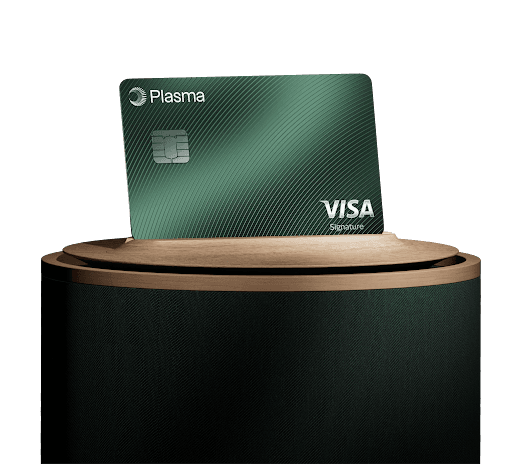
Plasma One combines non-custodial stablecoins, Visa spending and optional Earn in one card-focused account.
1. Non-Custodial Stablecoins in One Card Experience
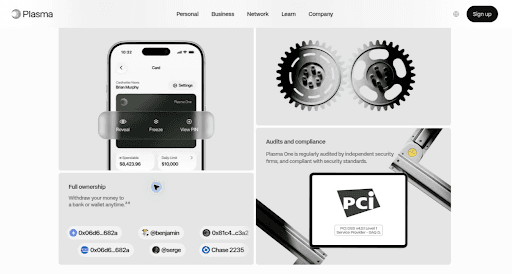
Plasma does not custody stablecoins held in a Plasma One account, unlike Oobit's in-app balances or Bitget's separately funded card balance.
Oobit supports non-custodial linked wallets, while Bitget Wallet is non-custodial before top-up. Plasma integrates that control into its card account.
For stablecoin holders, this means fewer separate balances to manage. Card access and identity verification still depend on location.
2. Optional Yield for Stablecoin Balances
Plasma One Earn offers variable, non-guaranteed yield through third-party DeFi vaults. Oobit has no published yield product, and Bitget Wallet's Stablecoin Earn sits outside its card balance.
Earn is optional and risks principal loss. Assets must return to Cash before card spending, so returns are not automatic on spendable funds.
Users can also keep stablecoins in Cash without entering an Earn vault. This separates routine card funds from the funds exposed to DeFi risk.
3. Transparent Card Tiers and Bank Access
Plasma One Standard needs no XPL lock and is listed at $0 a year, but its price and a $10 activation deposit or card fee vary by region; Premium is $600 a year or a 20,000 XPL lock, and Platinum is $2,500 a year or a 100,000 XPL lock.
Cashback for new members begins at 1%, 2% or 3%, then steps down by spending band.
Standard adds a 1% Plasma FX markup plus the Visa FX fee; Premium has 0% FX on up to $3,000 of monthly card spend, then 1.5%, and Platinum has no FX fee. In-app bank on/off-ramps connect stablecoins and local accounts.
Plasma is not automatically cheapest. XPL rewards fluctuate, and higher tiers require payments or token locks.
Three-Way Head-to-Head Matrix
Feature | Oobit | Bitget Wallet Card | Plasma One |
Card Network | Visa virtual card | Visa or Mastercard, depending on regional issuer | Visa |
Custody Model | Non-custodial with external-wallet DePay; in-app (built-in) wallet balances are custodial; card processing uses partners | Non-custodial wallet; topped-up card balance held through regional issuing partners | Non-custodial (Plasma does not custody assets) |
Yield / Return on Balance | No standard yield on idle card balances publicly disclosed; promotional spending rewards | Separate variable Stablecoin Earn; no standard yield on card balance | Variable yield via opt-in Earn |
FX / Conversion Fees | 1% card-payment fee (usually $0.25 minimum); non-USD conversion may add 1.5% | Published regional schedules list 1.7% non-USD FX; crypto conversion varies by issuer | Standard: 1% Plasma markup + Visa FX fee (~1%); Premium: 0% FX on the first $3,000/month of card spend (Visa fee included), then 1.5%; Platinum: 0% FX fee, Visa exchange rate applies |
Staking / Lock-In Required | None for card access; enhanced OOB cashback requires paying with OOB | None for card use; 3% assetback needs eligibility or spending threshold | Standard: no XPL lock, regional pricing; Premium $600/yr or 20,000 XPL locked for 12 months; Platinum $2,500/yr or 100,000 XPL locked for 12 months |
Regional Availability | Oobit reports 80+ countries, including the US; card not issued in 17 listed countries | 50+ application markets across Europe, Asia, LATAM, and Africa; US not listed | Most countries; 7 unsupported and ID-document restrictions in others. 31 US states |
On / Off-Ramp | External-wallet funding, crypto transfers, and bank payouts from 0.4% | Crypto top-ups, wallet swaps, regional bank-transfer services; withdrawal support varies by issuer | In-app bank on/off-ramps (USD, EUR, GBP, MXN, BRL, COP); tiered fees apply |
Fees, rates and limits as of November 2026. Terms vary by region and may change.
Final Verdict: Which Should You Pick?
Bitget Wallet Card wins for eligible users seeking routine Assetback and lower stated USD purchase costs.
Choose Oobit for linked-wallet spending without a separate top-up or for access in more countries.
Choose Bitget Wallet Card for Assetback rewards if its regional fees, top-ups and limits suit you.
Choose Plasma One for non-custodial stablecoins, optional Earn and tiered Visa rewards, while accounting for XPL and FX risks.
How to Get Started With Plasma One
Download Plasma One: Install the app, confirm eligibility and complete identity verification to request a virtual card.
Deposit Stablecoins: Fund your non-custodial account, optionally using Earn for eligible assets before moving them back to Cash for spending.
Start Spending: Add the card to Apple Pay or Google Pay where supported and spend at Visa merchants, subject to fees and availability.