Crypto wallets come in hot, cold, and custodial types: online apps for convenience, offline storage for safety, and services that hold keys. They exist to balance speed, security, and control.
How you set up your cold wallet depends on the type of wallet: hardware wallets typically use a device and PIN, paper wallets need offline key generation and safe storage, and other cold wallet types exist.
In this article, you’ll learn how to set up a cold wallet step by step, protect your recovery phrase, verify addresses, maintain hardware safely, and avoid common mistakes. Keep reading to build a setup you can actually recover when it matters.
Key Takeaways
Cold wallets are designed to keep your private keys offline, reducing risk from many online threats.
The “right” setup is mostly about having a good process, including safe backups and a recovery plan.
Long-term security comes from maintaining and protecting your setup over time, balancing safety with how you plan to use your crypto.
Understanding Cold Wallets
What Is a Cold Wallet?
A cold wallet is a method for storing private keys offline, preventing attackers from stealing them through standard internet-based attacks.
The wallet may be a hardware device, an offline computer, or even paper that holds key material. The goal is to minimize online exposure while keeping recovery possible.
A cold wallet does not stop you from using crypto. It changes how you sign transactions by keeping the signing key separated from the internet.
Cold Wallet vs Hot Wallet: Key Differences
A hot wallet keeps keys on an internet-connected device like a phone or browser extension. That makes it fast for daily use.
A cold wallet keeps keys offline by design, so remote attackers have fewer paths to reach them.
Many large thefts involve attacks on exchanges and online wallets where keys or approvals get exposed. In 2024, Chainalysis estimated that $2.2 billion was stolen from crypto platforms.
How Cold Wallets Protect Your Assets
Private Keys and Public Keys Explained
A public key is like your account number. It lets others send you funds and can be shared freely.
A private key is your authorization key. It proves ownership and allows you to spend funds linked to the public key. Anyone with this key can move your crypto.
Together, the two form a key pair. The public key derives mathematically from the private key, but the private key cannot be calculated back from it.
NIST (National Institute of Standards and Technology) recommends generating keys securely, storing them safely, backing them up, and destroying old copies when no longer needed.
Offline keys reduce the chance that malware can copy them, because the key is not sitting on a networked device.
Cold signing can also reduce phishing impact. If you must, confirm details on a separate device screen; that way, you are less likely to approve a tampered transaction.
Types of Cold Wallets
Hardware Wallets
Popular Hardware Wallets and Features
Most mainstream hardware wallets offer PIN protection, recovery phrases, and on-device transaction confirmation. Common examples include Ledger, Trezor, and Coldcard, though features and workflows vary by model.
Many devices also support passphrases, multiple accounts, and clear address display. These features reduce blind signing risk by letting you confirm transaction details directly on the device screen.
Security assumptions change over time. Users should follow official documentation and security updates from wallet manufacturers, as past data leaks and design changes mean a secure choice today may not remain so indefinitely.
Pros and Cons of Hardware Wallets
Security benefit: Hardware wallets keep private keys offline and provide strong protection with reasonable usability for most users.
Tradeoffs: Security depends on supply chain integrity, safe storage, and correct firmware updates. Users must avoid tampered devices and follow official update processes to reduce risk.
Paper Wallets
How Paper Wallets Work
Paper wallets usually store a private key or seed phrase in readable form, sometimes with a QR code.
If anyone photographs or copies it, they can spend the funds. Paper is only safe when you treat it like cash (anyone who copies it can spend it), so it must be protected from viewing, photos, and theft.
NIST emphasizes protecting key material in storage and limiting exposure during handling.
Best Practices for Paper Wallet Storage
“Paper” wallets do not have to be literal paper. Key material can also be printed or engraved on more durable media such as metal plates, stainless steel cards, or fire resistant composite backups.
Use durable materials and store copies in separate secure locations. Protect against water, fire, and casual discovery. A safe or safe deposit box can reduce risk, but it adds access and trust tradeoffs.
Alternative Cold Storage Solutions
Air-gapped Computers and Offline Devices
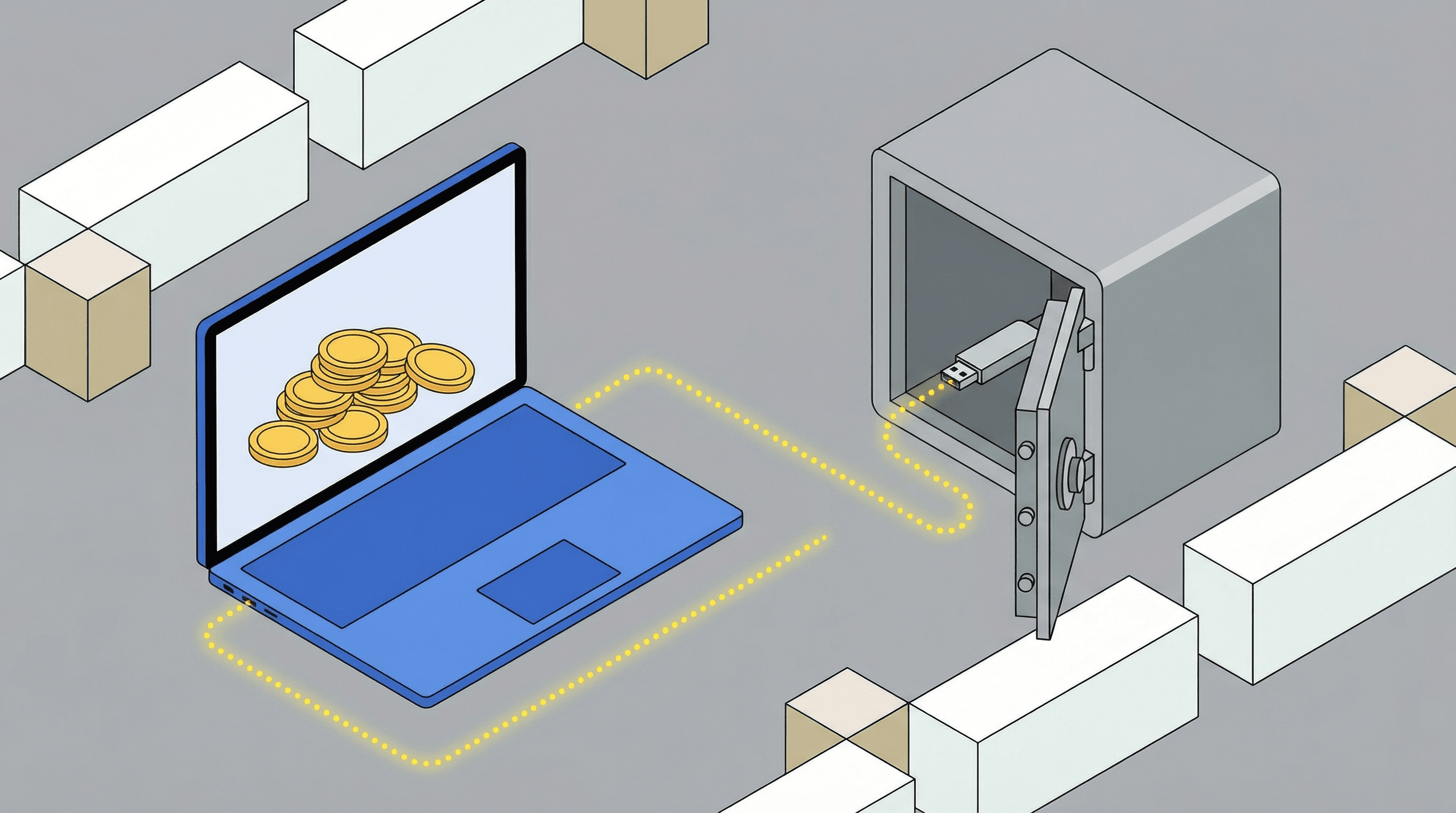
An air-gapped computer is a device that never connects to the internet. You transfer unsigned and signed transactions using QR codes or removable media. One device prepares the transfer, and the offline device approves it.
This can reduce the ways an attacker can reach your keys, but removable media handling can introduce risk. Your workflow must prevent file-based malware transfer.
Secure Physical Storage Options
Physical protection is part of cold storage. Think about theft, coercion, and disasters.
A layered approach may include a fire rated home safe or lockbox as the primary container, tamper evident seals on backups, and a secondary copy stored in a separate location such as a trusted relative’s safe or a bank vault.
Step-by-Step Guide to Setting Up a Cold Wallet
Choosing the Right Cold Wallet for Your Needs
Start with a simple threat model, a quick plan for what you are protecting, from whom, and how likely the risks are.
If you trade daily, you may keep a small “spend” balance in a hot wallet and store the rest in cold storage.
If you hold long term, prioritize secure backups and low-touch processes. For most individuals, a hardware wallet from a reputable brand is the recommended starting point. Paper wallets suit savvy users creating a one-time vault.
Operational mistakes often result in losses, including scams that prompt victims to send funds. In 2024, IC3 reported $16.6 billion in total losses across internet crime complaints.
Setting Up a Hardware Wallet
Purchasing From Reputable Sources
Buy directly from the manufacturer or an authorized reseller to reduce tampering risk. Focus on supply chain integrity.
Check packaging and seals, and follow any serial-number checks the manufacturer provides to confirm the device is genuine.
Avoid used devices and “pre-initialized” wallets. A device with a pre-made seed is almost always a scam.
Initializing the Device and Setting a PIN
Initialize the wallet yourself so the seed is generated on your device.
Set a strong PIN that is not reused anywhere else. If the device supports it, enable a lockout or wipe-after-fail feature.
Confirm the device shows addresses and prompts clearly. You want on-device verification for every send.
Backing Up the Recovery Phrase Safely
Your recovery phrase is the master key. Store it offline and out of sight.
Write it down carefully, in order, and verify each word. Do not photograph it or store it in cloud notes.
Use at least two physical backups in separate places.
Installing Apps and Adding Crypto Assets
Use the official desktop or mobile app from the manufacturer. Avoid third-party download links to reduce fake software risk.
Install only the apps you need, then add accounts for the assets you plan to store. That can include Proof of Stake assets, where you may stake through delegation while keeping keys protected offline.
When receiving funds, verify the address on the device screen. This prevents malware from swapping the copied address in your clipboard before you paste it.
Creating a Paper Wallet
Generating Offline Private and Public Keys
Use a dedicated computer that has never connected to the internet, or reinstall the operating system and disconnect all network hardware. Verify Wi-Fi, Bluetooth, and cables are disabled before starting.
Download an open source wallet generator or wallet software on a separate online device, verify its checksum or signature, then transfer it to the offline computer using a clean USB drive.
Run the tool offline to generate keys. Record the public address for receiving funds, then securely record the private key or recovery phrase without reconnecting the device.
Safely Storing Your Paper Wallet
Protect it from heat, water, and light. Use sealed sleeves and store in a secure location.
Do not label it in a way that advertises what it is; this reduces the chance of casual discovery.
Consider splitting backups across locations. Do not split a phrase unless you fully understand the recovery implications.
Importing Keys When Needed
Importing a paper wallet key into a hot wallet makes it hot from that moment.
For safety, assume imported keys are compromised after use (since they have been exposed to an internet-connected wallet). Move funds to a new cold address rather than reusing the same key.
If you must move all funds out in one transfer (“sweep” the wallet), double-check the destination address on a trusted screen before signing.
Ensuring Long-Term Cold Wallet Security
Protecting Your Recovery Phrase and Backups
Your backup plan should survive loss, theft, and disaster. Aim for redundancy with separation.
Store at least two copies in different physical locations. Consider fire-resistant materials if your threat model includes home disasters.
Limit who knows where the backups are. Many losses and lockouts result from social engineering or operational mistakes, such as phishing or mishandled backups, rather than broken cryptography.
Environmental and Device Security
Protect devices from moisture, extreme heat, and physical damage. A dead device is fine if you have the seed, but damage can create panic mistakes.
If you store hardware long term, keep it in a stable environment. Record what device and firmware (the wallet’s built-in software) you used so recovery is less confusing later.
Secure your storage location against theft. A home safe can help, but only if it is anchored and appropriately rated.
Regularly Testing Recovery Procedures
A recovery phrase is only valuable if it works. Do a controlled test to confirm you can restore.
Test on a spare device or in a safe environment. Do not type the phrase into random websites or unknown apps.
Write a simple recovery runbook for yourself. Under stress, clear steps reduce avoidable errors.
Updating Hardware Wallet Firmware
Firmware updates can patch serious issues. They can also be a scam vector if you install fake updates.
Only update using official software, and verify you are on the correct domain and app. Keep your recovery phrase ready before updating so you can recover if something goes wrong.
Common Mistakes to Avoid with Cold Wallets
Losing Your Recovery Seed or Private Key
If you lose the recovery phrase, you can lose access permanently. This is the top cold-storage risk.
Avoid “single point of failure” storage. One backup in one location is very fragile. Do not rely on memory alone either; this is not a secure backup method.
Storing Wallets in Unsafe Locations
Obvious hiding spots fail. A drawer, a labeled envelope, or a desk safe can be easy targets.
Think like a thief and like a flood. Choose locations that will be able to resist both.
If you use a safe-deposit box, consider access risk during holidays or emergencies. Diversify storage so one event does not block all access.
Failing to Use Multiple Backups
Redundancy matters, but too many copies increase exposure. The goal is a few, well-protected copies.
Two to three copies in separate locations is a common baseline. Adjust based on your travel, living situation, and risk tolerance.
Track changes carefully. If you ever create a new recovery phrase and move funds to a new wallet, destroy old copies so you do not confuse yourself later.
Combining High-Risk Assets Without Caution
Do not keep everything under one seed if your use cases differ. Separate long term storage from experimental activity to reduce blast radius.
If you interact with new protocols, treat them as higher risk. Consider using a distinct wallet for DeFi or NFT activity.
For Proof of Stake assets, understand how delegation works onchain and confirm you are using reputable validators (operators that help run the network). Staking adds convenience, but it also adds operational complexity.
Costs and Considerations of Cold Wallets
Initial Investment and Price Ranges
Hardware wallets typically cost money upfront, while paper wallets can be “free” but cost time and risk. Your true cost is risk reduction.
Consider your portfolio size and how often you transact. For small amounts, a complex setup can increase mistakes.
For larger holdings, a reputable hardware wallet plus strong backup practices can offer good value versus the expected impact of a single compromise.
Ongoing Maintenance and Upgrades
Expect occasional firmware updates and occasional process reviews. Security is a lifecycle, not a one-time event.
Also plan for device failure. Cold storage assumes hardware can break, so your seed handling must be strong.
If you change phones or computers, confirm your wallet workflow still works. Avoid rushing changes when markets are moving fast.
Balancing Security, Convenience, and Cost
The “best” cold wallet is the one you can use correctly. Overly complex setups can create self-inflicted losses.
A practical approach is a tiered system: a hot wallet for spending, a cold wallet for savings, and clear rules for moving funds between them.
Conclusion: Setting Up Your Cold Wallet the Right Way
A cold wallet helps you protect crypto by keeping private keys offline while still letting you receive and send funds when needed. The first step is choosing the cold wallet type that matches how you use crypto and how much you store.
The setup that works best is the one you can repeat correctly. Focus on trusted hardware and clean initialization, a strong PIN, and a recovery phrase backup plan with at least two protected copies in separate locations.
Security is not a one-time task. Plan for long-term maintenance and safe recovery, including occasional firmware updates for hardware wallets, physical protection for devices and backups, and careful address checks before you sign onchain transactions.
Keep your process scam-resistant. Many losses come from phishing, fake apps, and rushed decisions.
“This article is for educational purposes. It is not legal, tax, or investment advice.”